
CUSTOMER PORTALS
Customer portals that bring requests, documents and updates together.
Give customers, partners and your team one place to complete their tasks. idweb designs customer portals with clear access roles, request tracking, documents and notifications, connected to your existing systems where suitable.
One secure customer environment
LIVE SYSTEM
- 01Sign in
- 02Request
- 03Track
- 04Notify
Scattered emails and files hide the state of a request.
A portal brings together only what each role needs: the next action, documents, history and updates. It is not simply a login on a website; it is an operational product.
What should improve
- A shared view of status
- Fewer fragmented requests
- Controlled role-based access
- History of actions and updates
A portal designed for adoption
- User roles, journeys and a permission matrix
- Dashboard, requests, documents, bookings or payments where needed
- Notifications and integrations with data sources
- Onboarding, accessibility, support and adoption review
How we approach it
01
Roles and tasks
What each user group needs to see and do.
02
Prototype
Critical journeys and permission states before build.
03
Rollout
Migration, onboarding, support and feedback.
Least privilege and privacy by design
Access is designed by role and record, with an appropriate authentication approach, logging for critical actions and retention policies. Requirements depend on the data and must be approved before build.
Verified related work
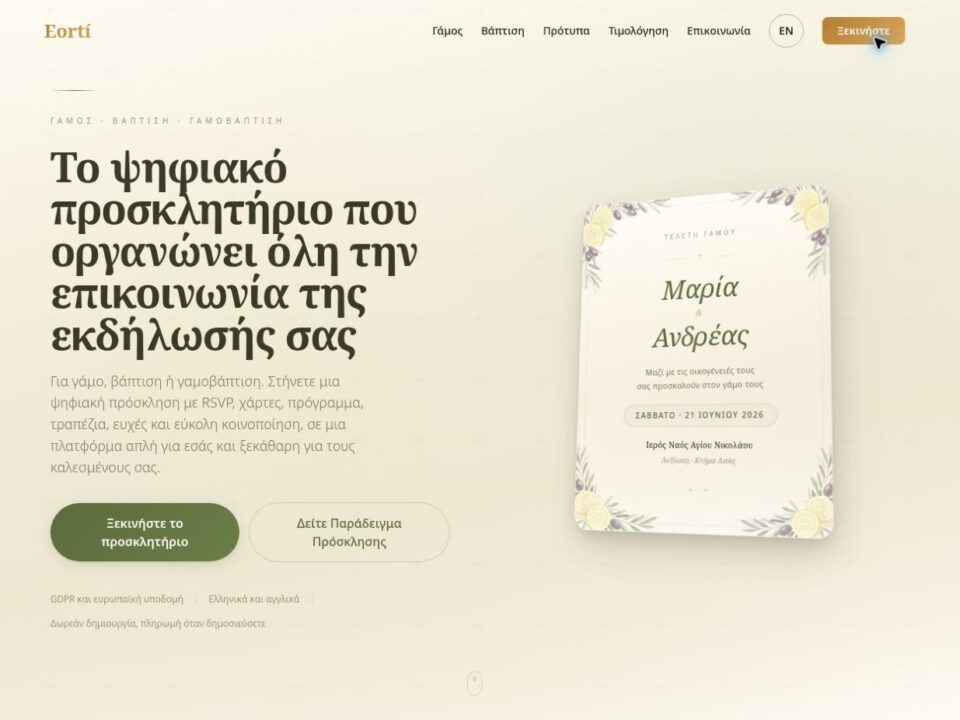
Custom Applications · SaaS Applications
Eorti — Digital invitation platform
Eorti brings digital wedding and baptism invitations into one web platform. Users choose a design, personalise…
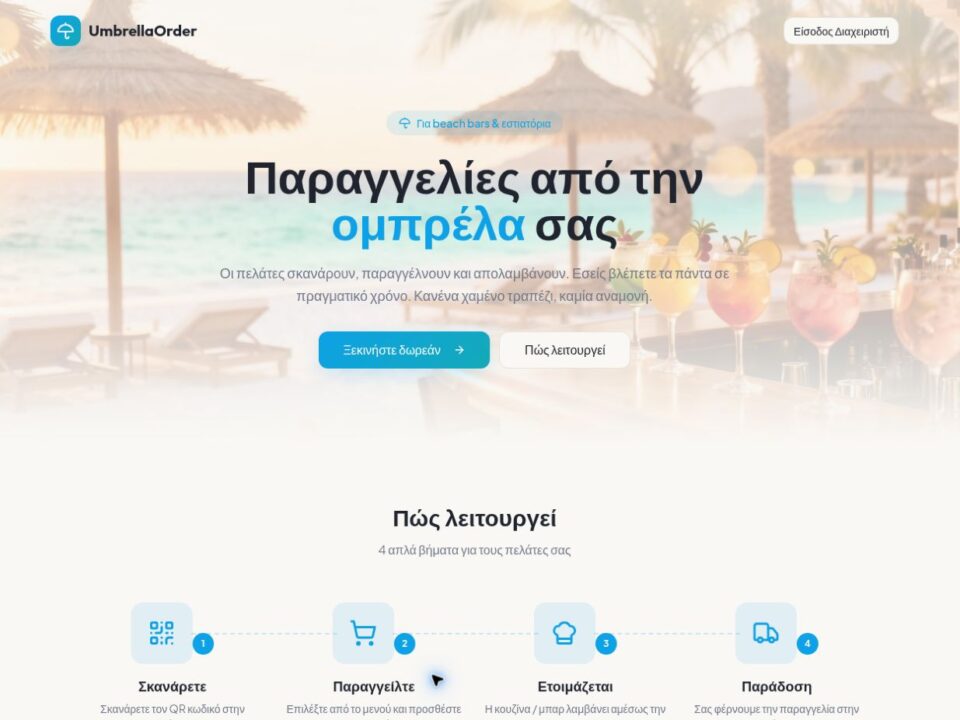
Custom Applications · SaaS Applications
UmbrellaOrder — QR ordering for beach bars
UmbrellaOrder connects a digital menu with order intake and tracking for beach bars, pool bars and…
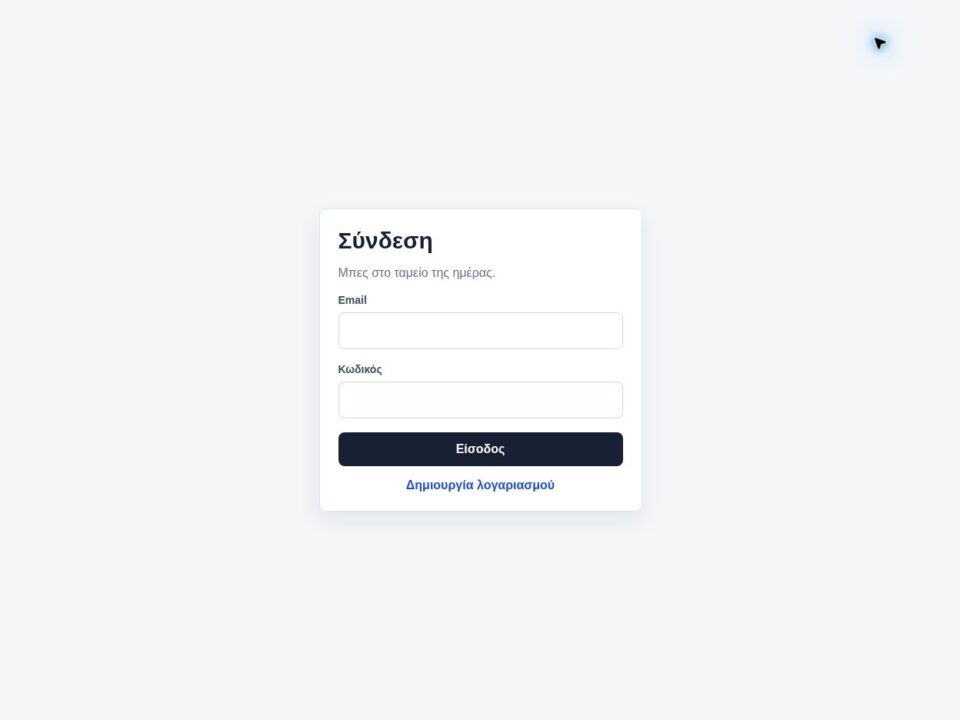
Custom Applications · SaaS Applications
Simple Cashflow — Daily income and expense tracking
Simple Cashflow brings together a small business’s daily income, purchases and expenses. The application organises amounts…
Before our first conversation
Describe your goal, the tasks that slow you down and the tools you currently use. If you already have a website or application, share its link.
Common questions
Can it connect to an existing system?
Yes, where secure documented access exists. We first decide which system is the source of truth for each data type.
Does it require a mobile app?
Not always. A well-designed responsive web portal can cover many use cases without the cost of separate applications.
How are roles organised?
With a permission matrix and real scenarios: who can view, create, approve, change or export each category of information.
Give each user a clear view and a clear next step.
Describe who uses the current process and which information they most often need to find.